Google starts July’s Pixel update with app and boot fixes
The phased rollout began July 7. Device applicability and the distinction between a phone update and Android’s general bulletin matter when reading the changes.


Google began rolling out July 2026’s monthly update to supported Pixel devices running Android 17 on July 7. The support team says distribution will continue in phases over the week, depending on the device and carrier.
Fixes for everyday use
The list includes unexpected application closures and problems starting the Android system. Google identifies a navigation-button alignment fix after folding and unfolding specifically for Pixel 10 Pro Fold.
Those examples show why the applicability notes matter. A fix tied to a particular device should not automatically be treated as a change for every Pixel, even when it appears in one monthly announcement.
For someone experiencing a specific problem, a useful comparison starts with a few concrete observations: which application is affected, at what step does the issue appear and can it be reproduced? Repeating the same task after updating provides clearer evidence than a general impression that the phone feels different.
The phone update and Android’s bulletin
Android’s general July security bulletin was published July 6 and states that it contains no security vulnerabilities. That statement describes the bulletin; it is not a blanket assessment of every component in every device.
The documents have different jobs. A device announcement describes its software update and fixes, while the general bulletin addresses its platform scope. One document does not summarise everything in the other.
When following a report, connecting a claim to its document helps establish its meaning. An interface fix, a boot problem and a security-bulletin entry describe different kinds of work and different expectations.
Finding the installed version
Google’s instructions identify Settings > About phone > Android version as the location for the Android version, security update, Google Play system update and build number. System updates can be checked through Settings > System > Software updates.
Those details are more precise than saying an update has arrived. When comparing two experiences or reporting a problem, the device name and build number connect an observation to a known release.
A phased rollout also means one person receiving an update does not establish when another will see it. The device’s notification and update status, read alongside the announced scope, provide the useful information.
App and boot fixes may attract less attention than a major Android launch. Their value appears in everyday use, which is why checking the behaviour that previously caused trouble is a practical way to assess the update.
Founder and editor-in-chief of Kurd Developers. Phone and tech news on YouTube, Instagram and TikTok.
More stories
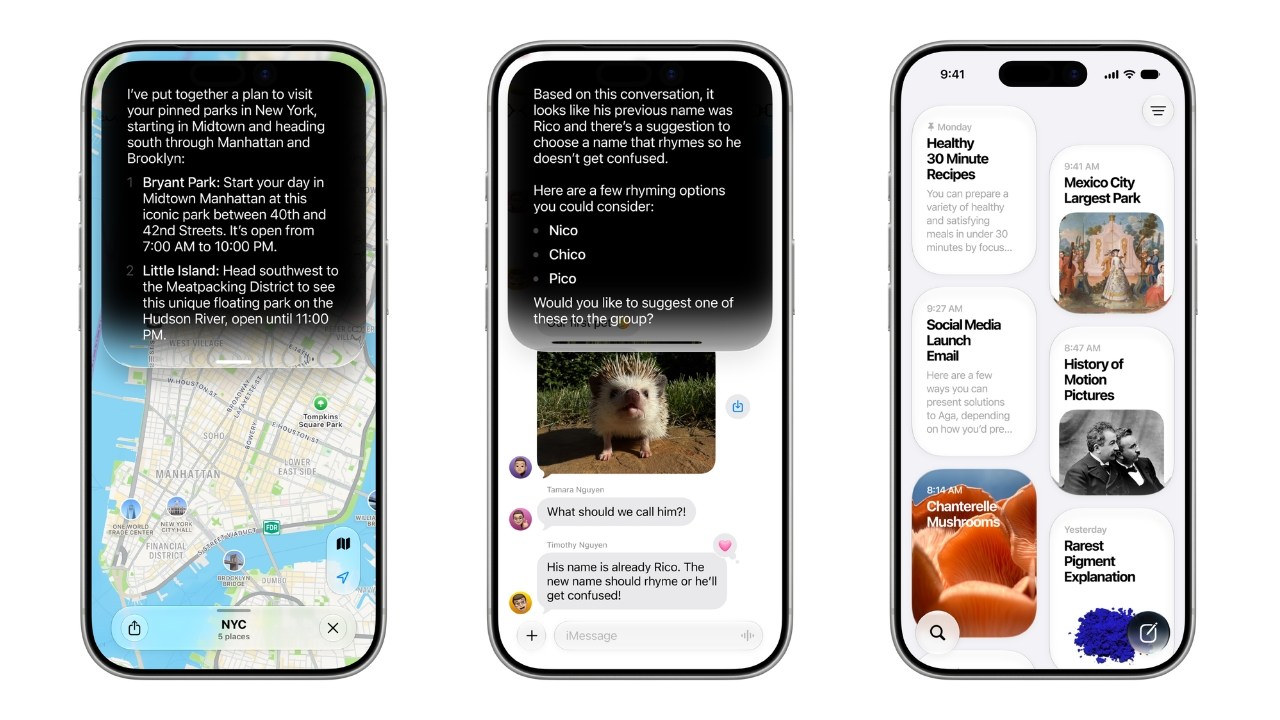
Apple Intelligence Is Coming to China With iOS 27.3, Backed by Alibaba
After more than two years of waiting, Apple says Apple Intelligence will reach iPhone users in China in December, with Alibaba's Qwen model powering parts of Siri.
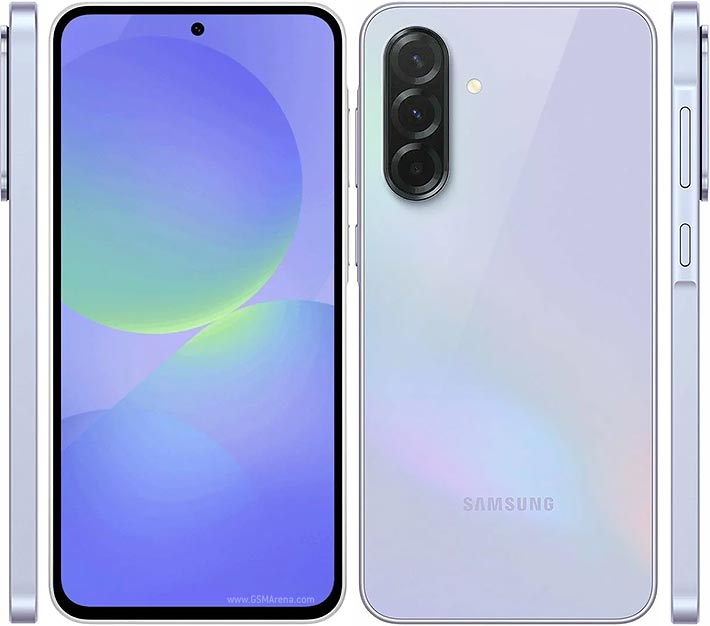
One text can break your phone: Android's 'SMS of Death' explained
A flaw in Android 12 and later lets a specially crafted SMS drop calls and even make a phone unusable. The fix is in October's security patch.

GTA VI lands November 19: prices, editions and what to know
Rockstar has locked the date: Thursday, November 19 on PS5 and Xbox Series X|S. Standard costs $79.99 and Ultimate $99.99.
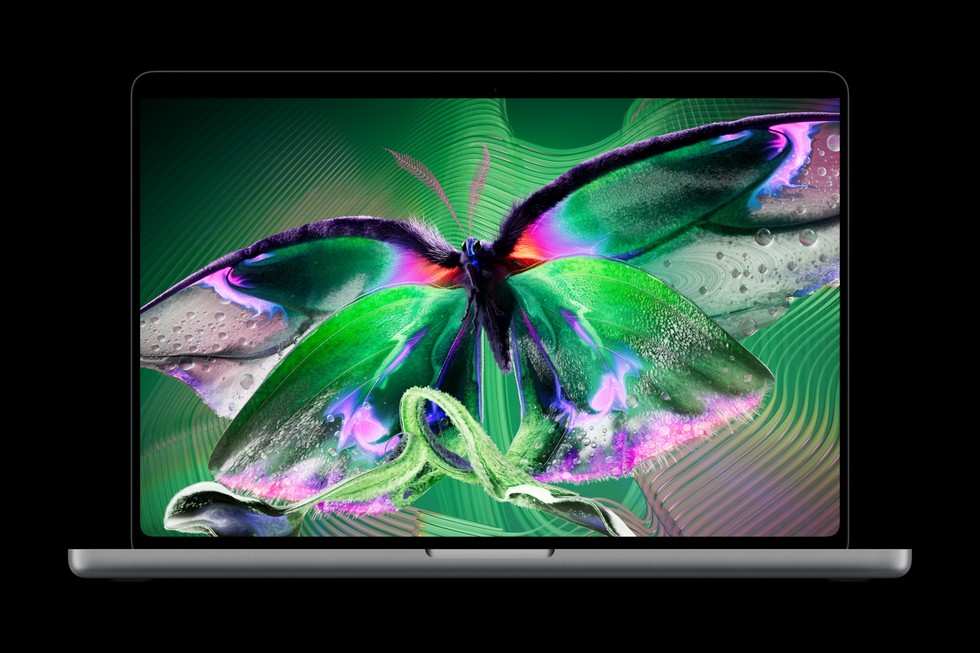
Apple's first touchscreen MacBook Pro brings OLED and Dynamic Island
The new PROLED XDR display responds to touch, the notch is gone and Dynamic Island takes its place. Prices start at $2,899.