One text can break your phone: Android's 'SMS of Death' explained
A flaw in Android 12 and later lets a specially crafted SMS drop calls and even make a phone unusable. The fix is in October's security patch.

· 1 min read
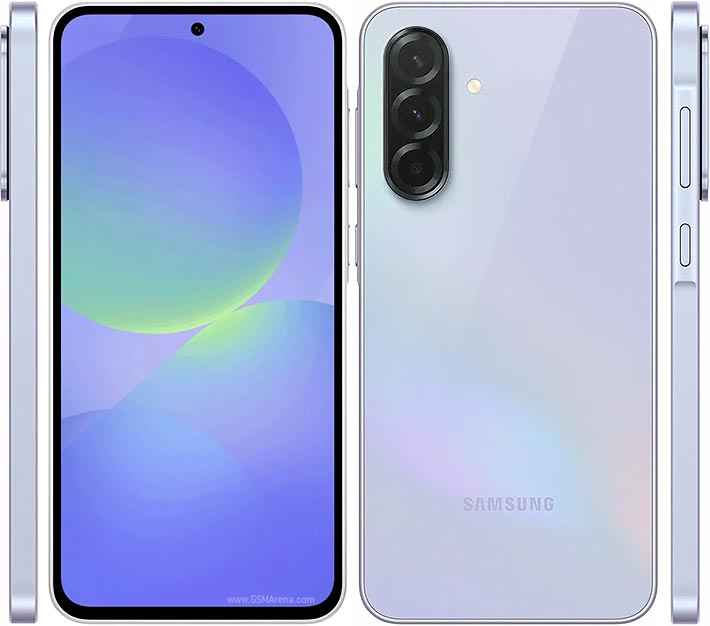
Security researcher Mark B. has found an Android flaw known as the SMS of Death, disclosed publicly on October 29. Simply receiving one specially crafted SMS can cause serious problems on your phone.
What it does
- Drops active calls
- Makes the phone temporarily lose mobile service
- If around 20 of these messages arrive, the phone can become unusable, and recovery is hard enough to need technical support
How it works
The attack uses a WAP Push SMS. Android does not show this message in your inbox; it processes it in the background, and that is where the error is triggered.
The worst part is that you don't have to do anything. There is no link to tap, no file and no phishing. The message arriving is enough.
Which phones are affected?
According to the researcher, all phones running Android 12 or later. The flaw was reproduced on a Pixel 9 and several Samsung Galaxy phones.
Is there a fix?
The flaw was reported to Google on May 5, and Google later shipped a fix in the October security patch for devices on Android 14 and later. Android now catches the error without crashing and deletes the malicious message.
According to the researcher, Android 12 and 13 will not get the fix because they are outside the security-update window.
How to check your phone
- Open Settings
- Go to About phone. On Samsung: About phone → Software information
- Look for Android security update or Security patch level
If it doesn't show October 2026 or later, go to Settings → Software update and install the latest update. Menu names can vary slightly between brands.
Our take
This is one of those flaws that being careful can't protect you from, so updating is the best defence. If your phone is stuck on Android 13 or older with no more updates, it may be time to replace it.
Founder and editor-in-chief of Kurd Developers. Phone and tech news on YouTube, Instagram and TikTok.
More stories

GTA VI lands November 19: prices, editions and what to know
Rockstar has locked the date: Thursday, November 19 on PS5 and Xbox Series X|S. Standard costs $79.99 and Ultimate $99.99.
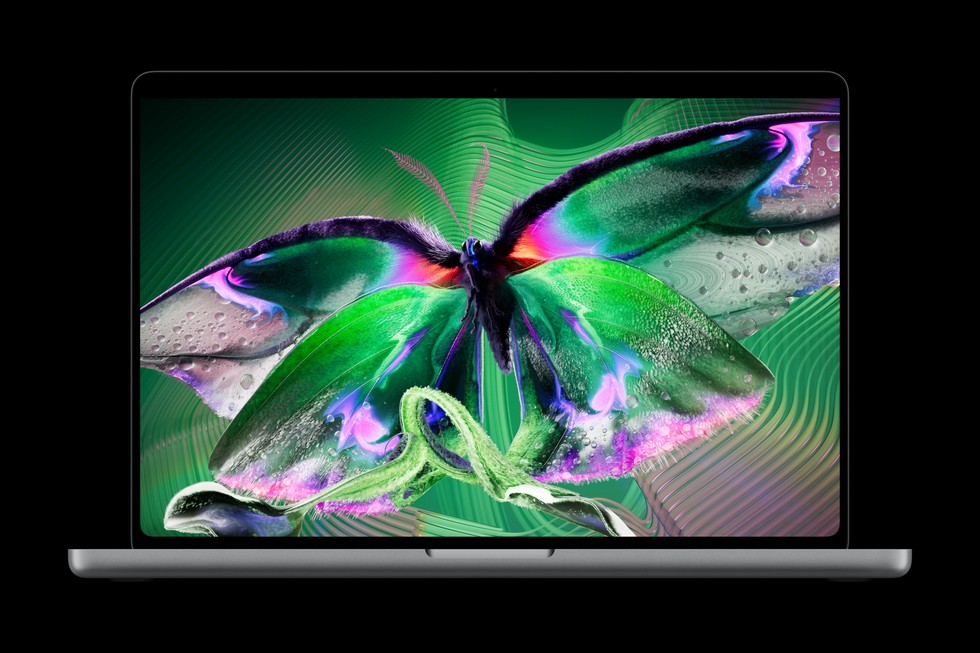
Apple's first touchscreen MacBook Pro brings OLED and Dynamic Island
The new PROLED XDR display responds to touch, the notch is gone and Dynamic Island takes its place. Prices start at $2,899.

The $1,999 iPhone Duo Has a Black-Bar Problem, and Fixing It Is Harder Than It Looks
Apple's first foldable is a hardware flex. But unfold it and many of your apps shrink into a phone-shaped window floating in black. Here's why the app world wasn't ready, and why developers can't just hit "stretch".
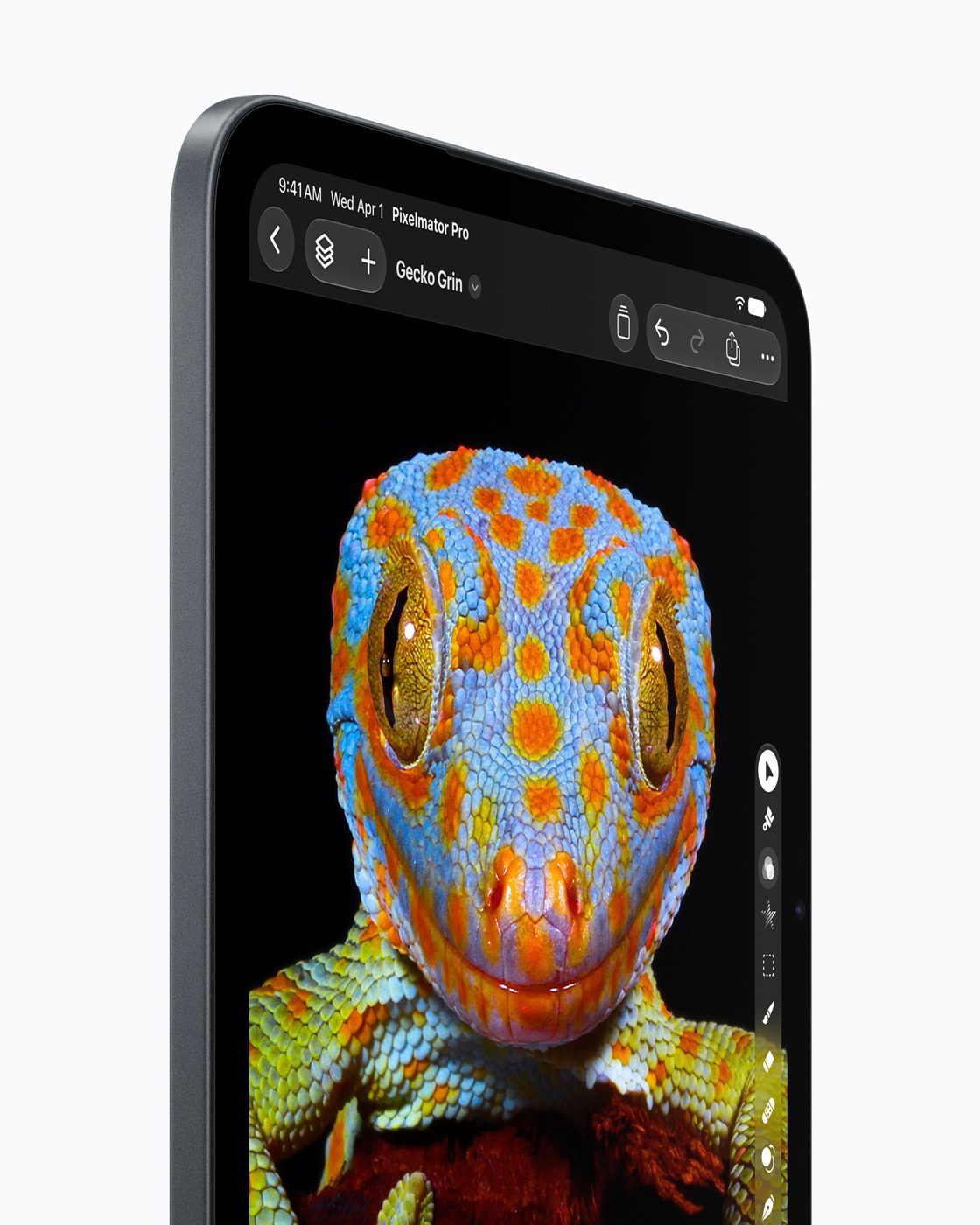
New iPad mini goes OLED and waterproof. Buyers in Iraq should check eSIM first
The biggest iPad mini update yet starts at $699, but the cellular model only takes an eSIM.