Apple releases iOS 27 and its new platforms as Siri AI begins an English beta
The September 14 rollout brings new system software and AI capabilities, but device, language and regional conditions determine which features a user actually receives.

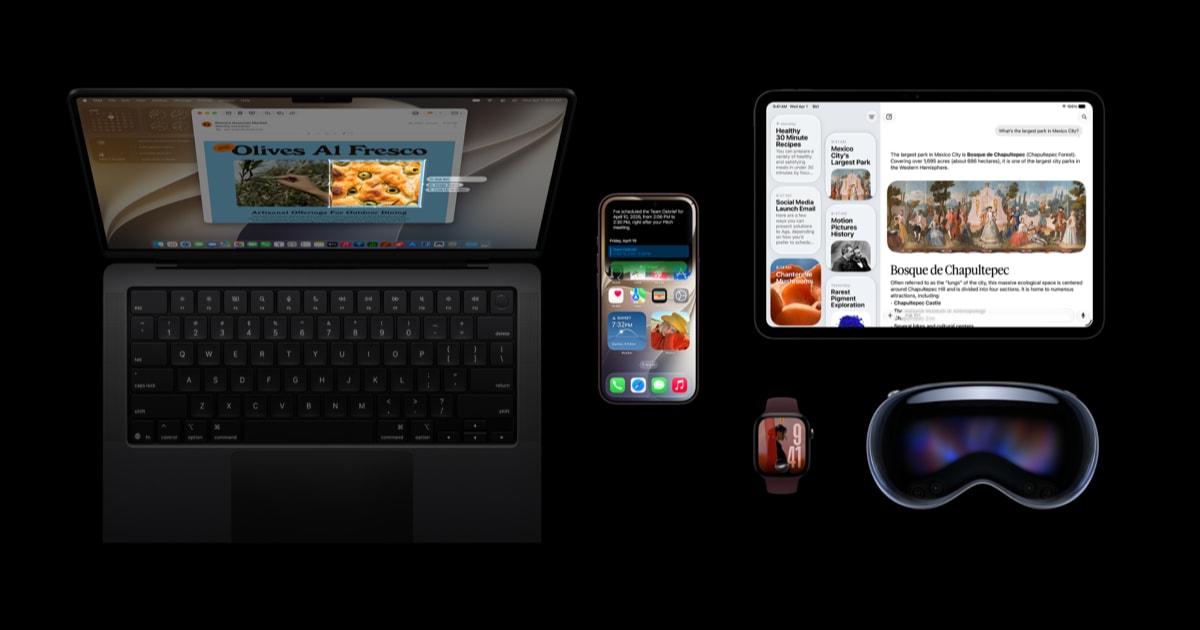
Apple began rolling out iOS 27, iPadOS 27, macOS 27 and updates to its other platforms on September 14, 2026. Its release announcements position Siri AI as a central change, describing an assistant that can use personal context, understand onscreen content and carry out actions across apps.
Receiving an operating-system update does not automatically make every AI feature available. Hardware support, language and region remain separate conditions. Siri AI begins as an English-language beta. Apple says French, Japanese, Korean, Portuguese and Spanish will follow in October; those additional languages are therefore a future expansion at this launch date.
Judge a completed task
A useful way to assess an assistant is to begin with a specific job and an independently checkable result. Imagine asking it to locate a piece of information and use it in another application. Finding the correct source, interpreting the request and changing the intended item are three distinct requirements.
These are general evaluation criteria, rather than results of our own Siri AI testing. A fluent response could still refer to the wrong appointment or file. The practical question is whether the final state matches the user's intention, including when a task crosses application boundaries.
For a workplace evaluating assistants, a small collection of representative tasks would be more informative than one impressive demonstration. Each task should have a known expected outcome and a record of what actually happened. Ambiguous names, missing information and a request to cancel an action are useful cases to include.
The interface matters as well as the model. Users need a clear way to understand the proposed action and inspect its result. A system that makes those steps understandable is easier to evaluate than one that leaves the user guessing what changed.
Check compatibility in two stages
Before a major update, users can check whether their specific device model is supported and make a backup. After installation, it is useful to verify the applications they rely on for work or study, then check the requirements of individual features they want to use. A missing feature does not by itself establish that the system installation failed.
Developers have a related task: verify application startup, permissions, file operations and notifications under the new release. Where an app exposes actions to an assistant, testing should include unclear requests, cancellation and reviewing the resulting change.
Timing is another part of compatibility. Apple's announcements describe some additional application integrations and audio capabilities as coming later. They should not be counted as available on September 14. The release begins a new software cycle; the relevant purchase or deployment decision still depends on the features available for a particular device, language and location today.
Sources
Founder and editor-in-chief of Kurd Developers. Phone and tech news on YouTube, Instagram and TikTok.
More stories
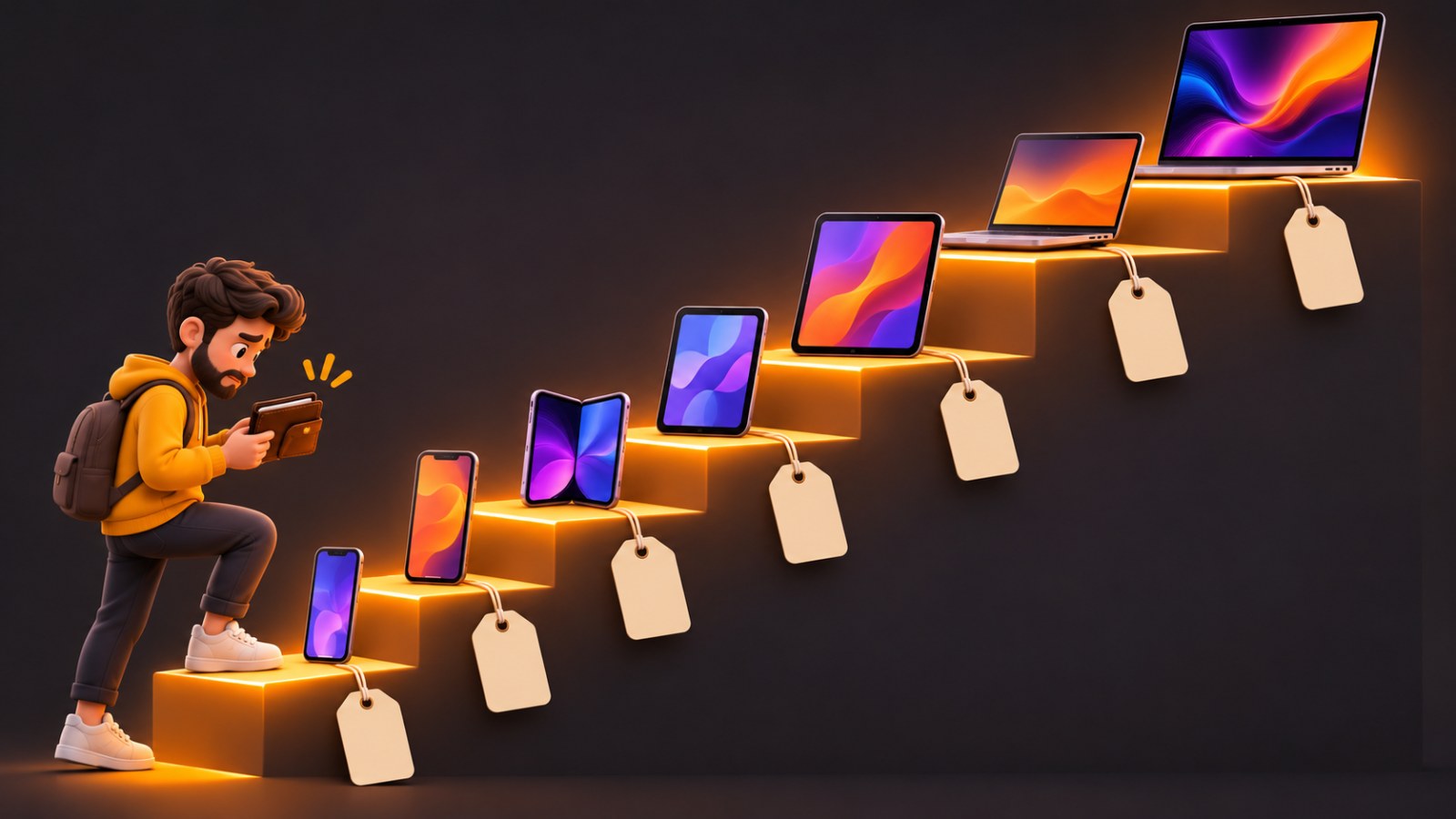
Apple's Price Ladder: How "Just $50 More" Walks You Into the Pricier Model
You go to buy an iPad mini, pick 256GB, and suddenly you're paying more than an iPad Air. We charted every iPhone, iPad and Mac price on Apple's US store to show where the traps are, and when stepping up is actually worth it.
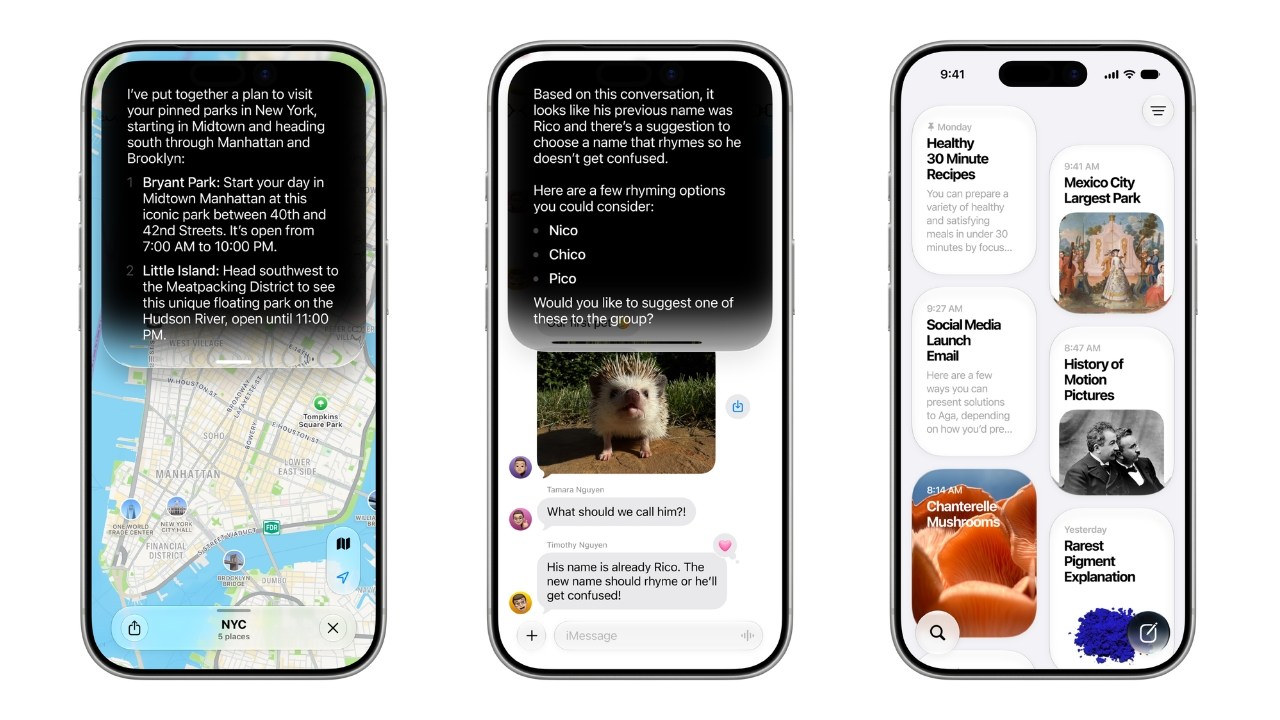
Apple Intelligence Is Coming to China With iOS 27.3, Backed by Alibaba
After more than two years of waiting, Apple says Apple Intelligence will reach iPhone users in China in December, with Alibaba's Qwen model powering parts of Siri.
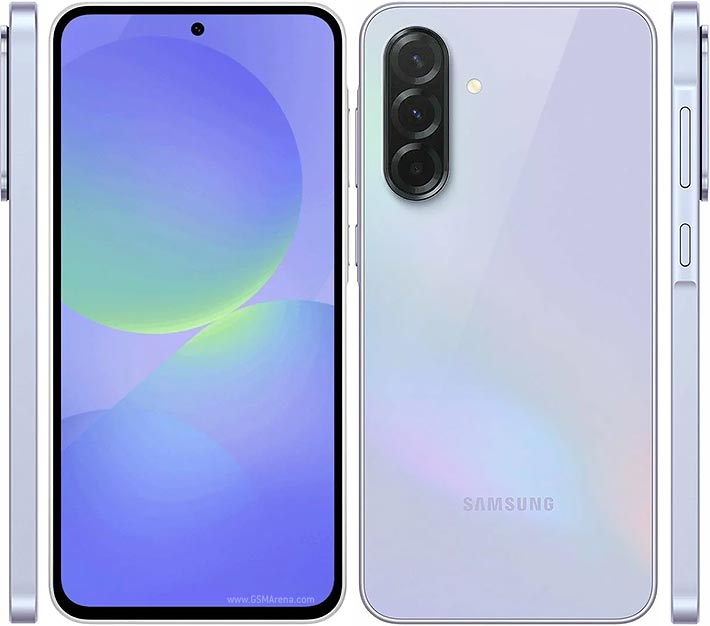
One text can break your phone: Android's 'SMS of Death' explained
A flaw in Android 12 and later lets a specially crafted SMS drop calls and even make a phone unusable. The fix is in October's security patch.

GTA VI lands November 19: prices, editions and what to know
Rockstar has locked the date: Thursday, November 19 on PS5 and Xbox Series X|S. Standard costs $79.99 and Ultimate $99.99.