Is your Apple Watch listening? How Siri Recap and Live Rewind work
Apple Watch can now summarize the conversations around you and show the last 15 seconds of speech as text. It's useful, but it also raises privacy questions.

· 3 min read
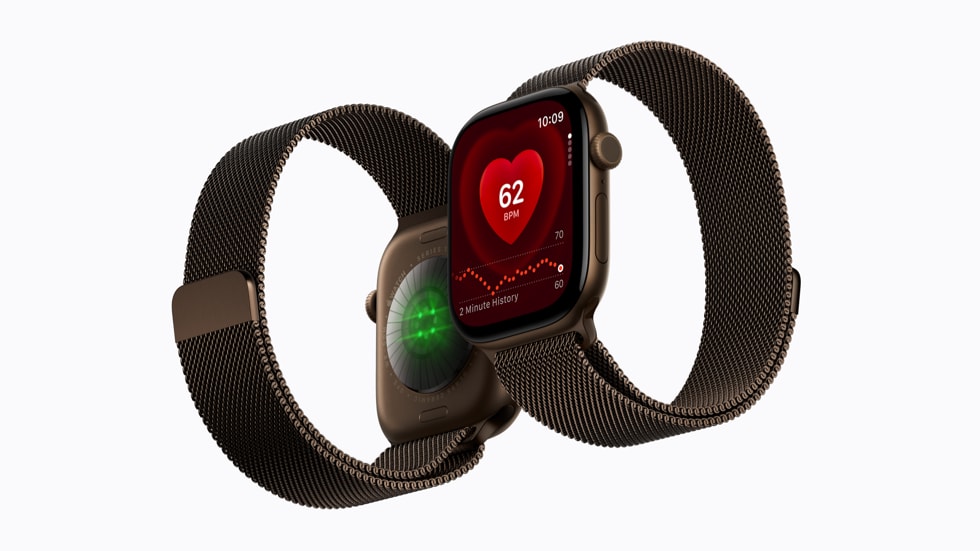
Imagine dropping your car off at the mechanic. They tell you a lot: the price, when it'll be ready, which parts they'll replace. A minute later you've forgotten half of it. Apple says the Apple Watch can now help.
On November 3, Apple released the first developer betas of watchOS 27.3 and iOS 27.3. They bring two new features: Live Rewind and Siri Recap.
The problem: we forget a lot
Every day people tell us important things out loud: how to take a medicine, a phone number, directions. Few of us pull out a phone to write them down, so much of it gets lost.
Solution one: Live Rewind
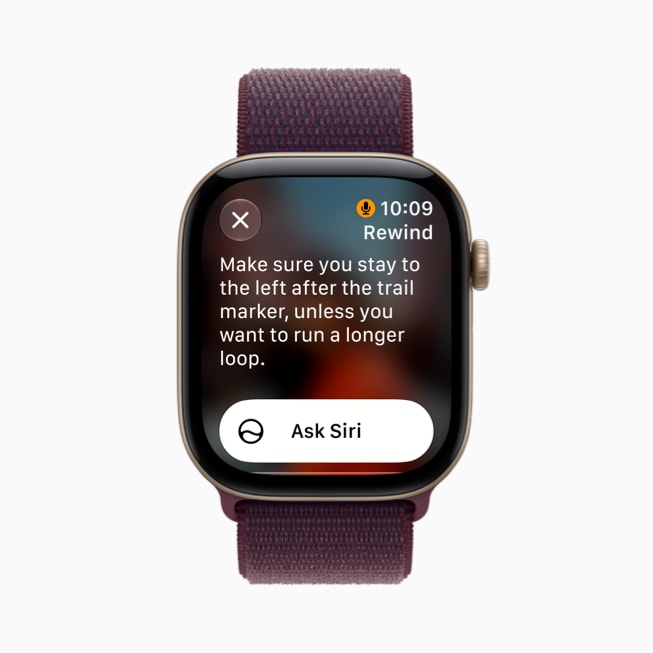
Double-press the Digital Crown and Apple Watch shows what was said in the last 15 seconds as text. If you missed something, you don't have to ask "can you say that again?"
- It only works when you press it yourself. It doesn't listen in the background.
- Every use plays a chime, even in silent mode, and a microphone indicator appears on the display so people nearby know.
- If you don't save the text, it disappears about 30 seconds after the display dims.
- It's processed on the watch itself.
Solution two: Siri Recap
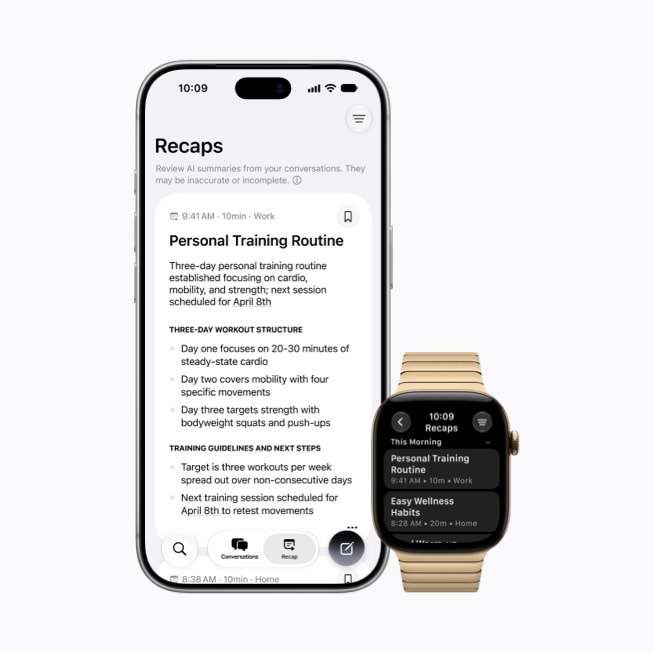
Siri Recap goes further. When it's on, it listens to conversations around you through the day. After each one, it writes a title, a short summary and key points in the Siri app.
- It's a summary, not a transcript, and it doesn't say who said what.
- It leaves out sensitive data such as bank details and ID numbers.
- Recaps are deleted after 7 days unless you save them.
- You can schedule it, for example "only at work" or "never at night", and switch it on or off from Control Center.
A real-world test
TechCrunch's Sarah Perez tried Siri Recap for a day. At a car repair drop-off and a rental pickup, Recap captured the key details: the deductible, the repair time and the rental's fuel level. She said it won her over in a single day.
There was an unsettling side too. Recap mixed in conversations from home, like errands and babysitting times, and even noted a plan to watch election coverage on TV. She called it a stark reminder that the watch was listening to everyday conversations.
Privacy: what Apple says
- No audio recordings are created. Audio is processed in a protected part of the S11 chip and deleted immediately.
- For Siri Recap, a condensed, encrypted transcript goes to Apple's Private Cloud Compute, which Apple says it cannot access.
- Apple itself says summaries may be incomplete or inaccurate.
Who can use it?
| Details | |
|---|---|
| Watch | Apple Watch Series 12 or Ultra 4 |
| iPhone | iPhone 16 or newer |
| Software | watchOS 27.3 (currently beta) |
| Language | English only for now |
| Age | 18 and over |
| Not available in | EU and China at first |
*The feature is still in testing and will be available soon. Apple hasn't said when it will reach everyone.
What it means for you
If you own an Apple Watch Series 12 or Ultra 4, you'll be able to turn these features on from the Watch app on iPhone once the final version is released. Since only English is supported, Kurdish and Arabic conversations won't be captured yet.
Our take
This is very useful for important moments, like at the doctor's or the mechanic's. But it's better to turn it on only in those places and switch it off at home. And respect other people: if you're recording a summary of a conversation, tell them.
Founder and editor-in-chief of Kurd Developers. Phone and tech news on YouTube, Instagram and TikTok.
More stories
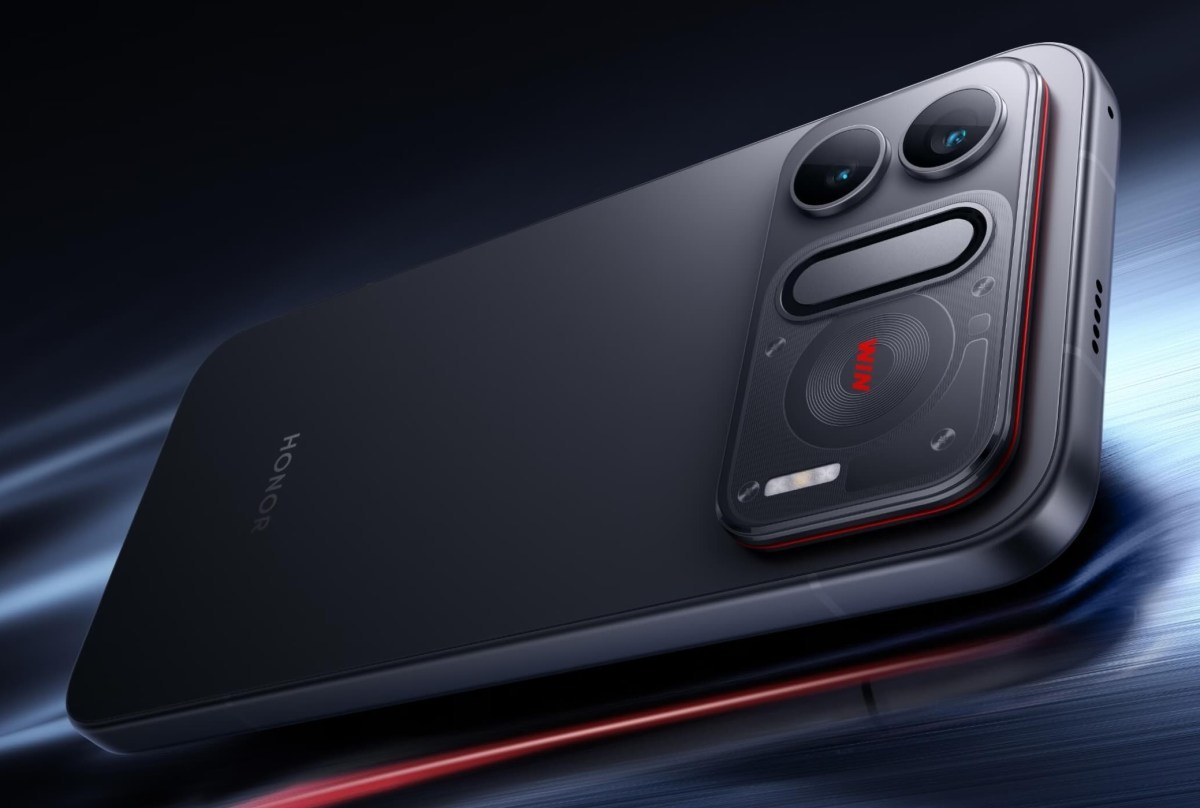
A phone that lasts a week on one charge? Honor is reportedly preparing a 14,000mAh battery
According to a leak, Honor is preparing a 14,000 to 15,000mAh battery and expects the phone to last up to a week. So how does a battery that big fit inside a normal phone?

China's AI Bubble Bursts: $480 Billion Wiped Out
China's STAR50 index of AI and chip companies fell 40% in under four months, erasing roughly $480 billion in market value.
Apple's Price Ladder: How "Just $50 More" Walks You Into the Pricier Model
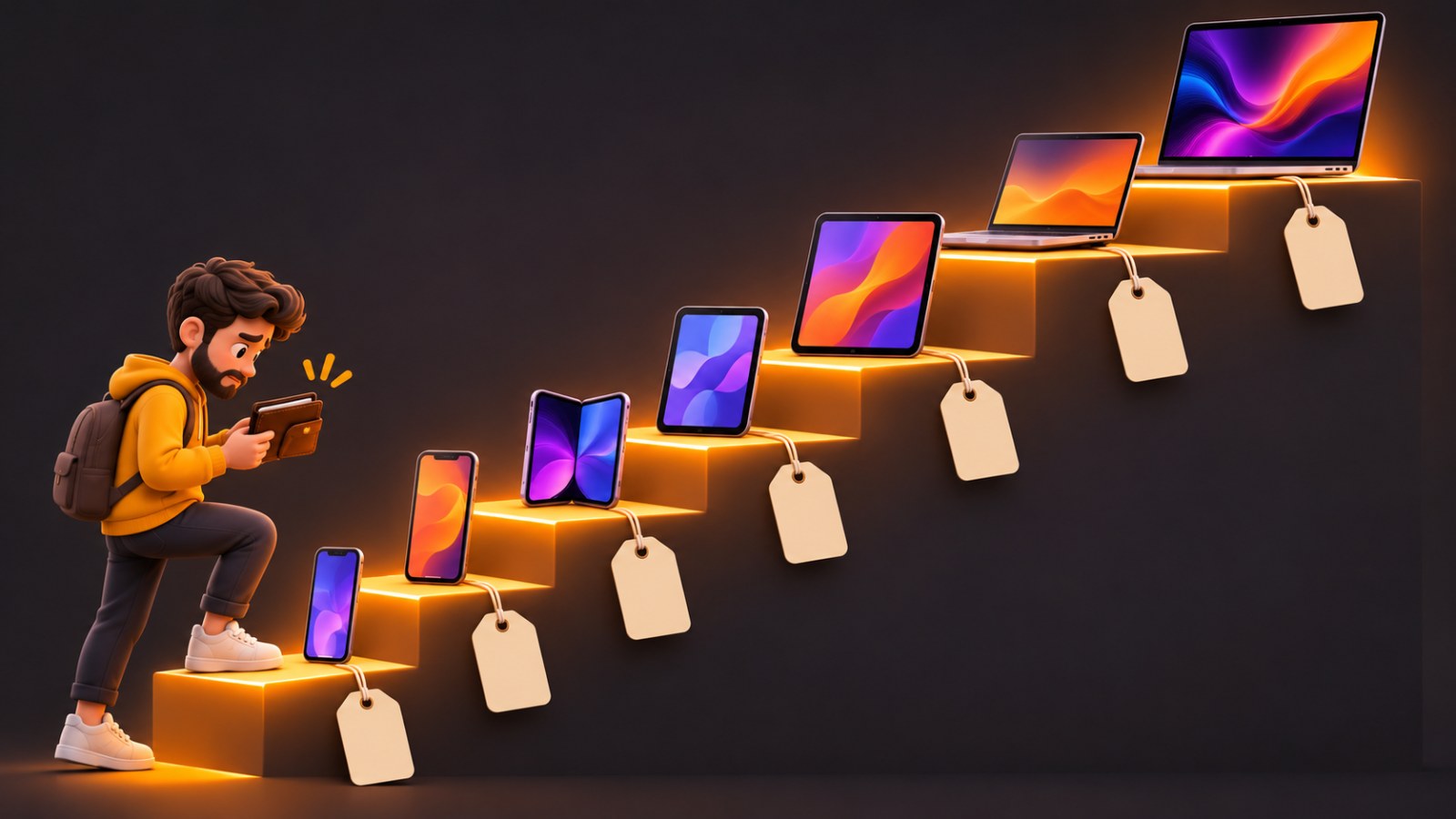
You go to buy an iPad mini, pick 256GB, and suddenly you're paying more than an iPad Air. We charted every iPhone, iPad and Mac price on Apple's US store to show where the traps are, and when stepping up is actually worth it.
Apple Intelligence Is Coming to China With iOS 27.3, Backed by Alibaba
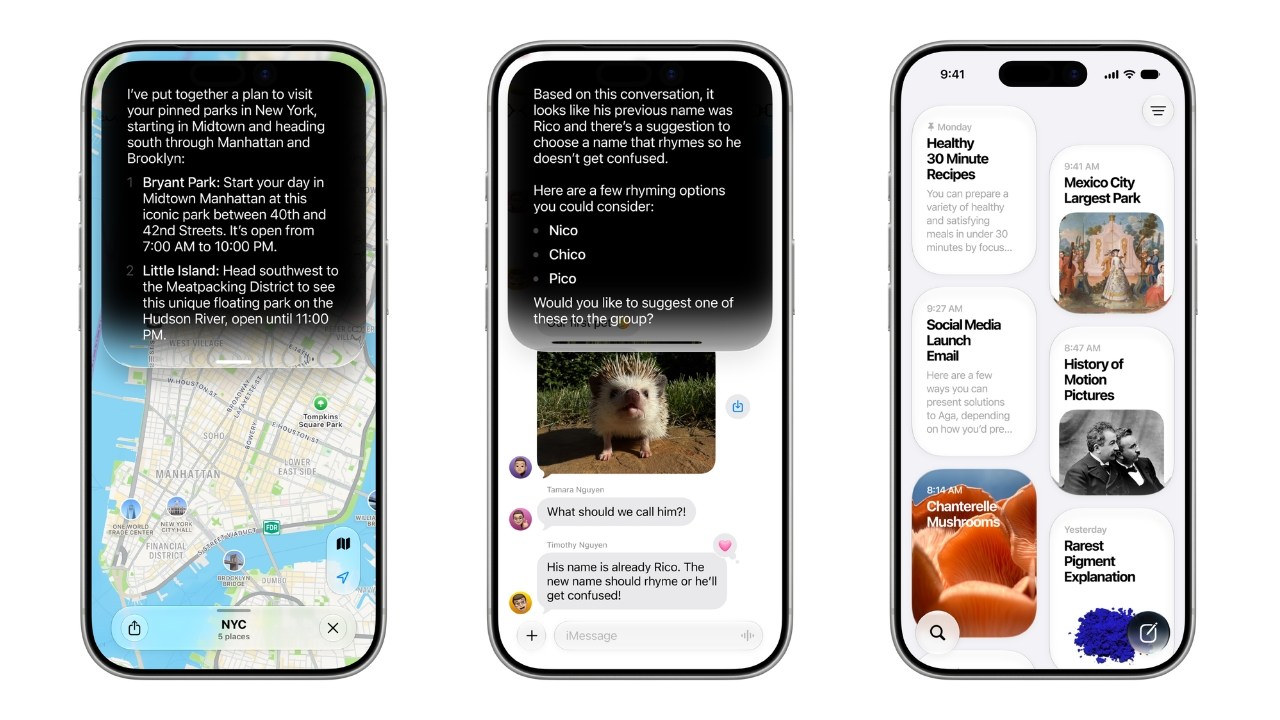
After more than two years of waiting, Apple says Apple Intelligence will reach iPhone users in China in December, with Alibaba's Qwen model powering parts of Siri.